
Field workflows & mobile · desktop
Hunter Field Service Management · Feature Solutions
HFSM Editorial Team · Published Nov 24, 2026
Explore HFSM mobile field service workflows, official app downloads, technician access and company workspace setup.
A mobile field service app is most useful when it shows the same operational records the office relies on. A technician should know which job is assigned, where the property is, what equipment is recorded, and what information needs to be returned after the visit.
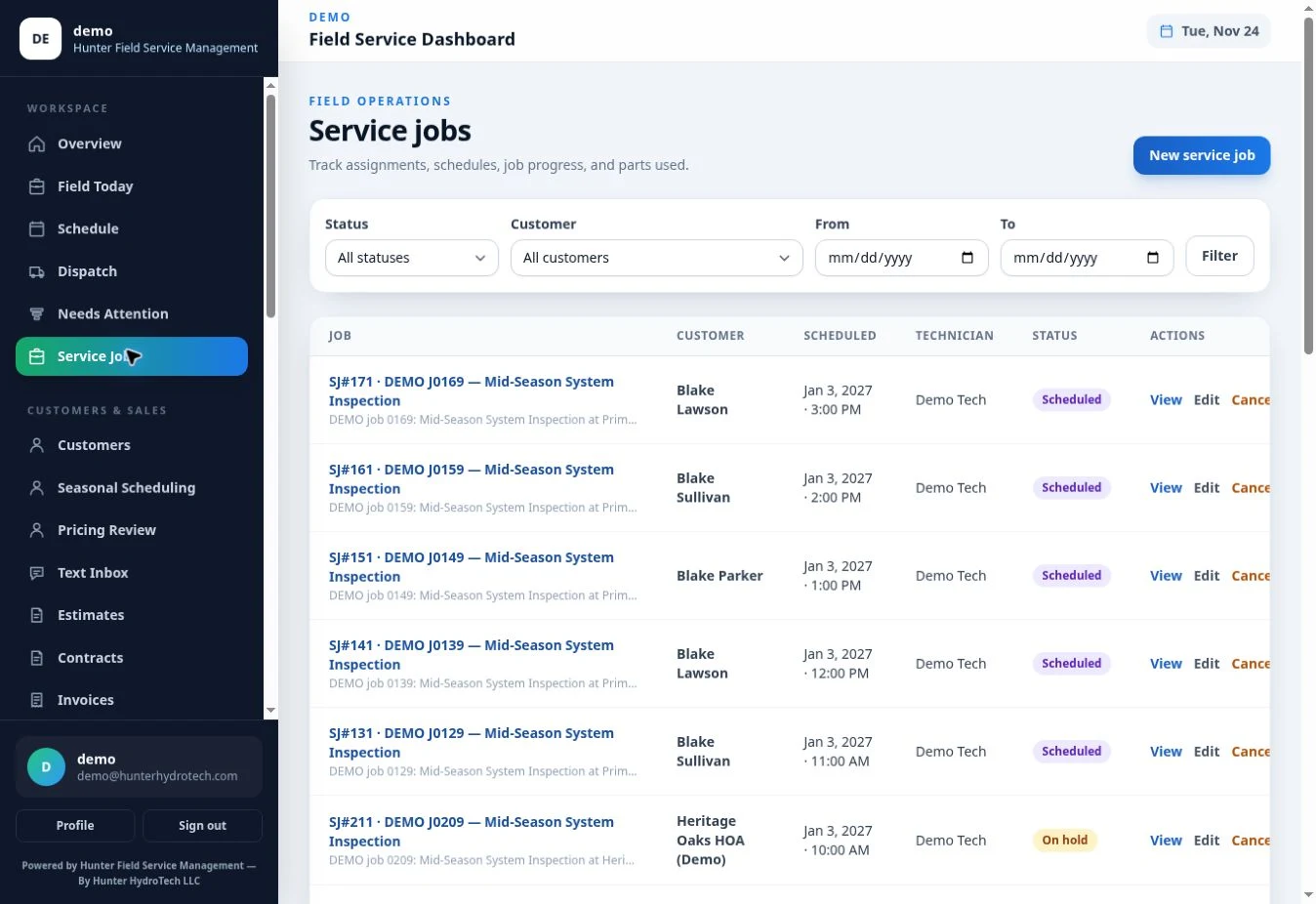
HFSM provides mobile access to company workspaces on supported Android and iOS devices. Available workflows depend on account permissions, plan, device and release. Test job access, property details, inspections, photos and any payment or job completion functions your team intends to use before depending on them in the field.
Use your existing company workspace to sign in. A new business can explore the web demo and apply for access separately. Before enabling location features, explain to employees when location is used and review device permissions. Do not assume an app supports offline work or every web feature without testing it on your own devices.
Hfsm android · Dispatch software
Explore the interactive HFSM demo or review plans and pricing.
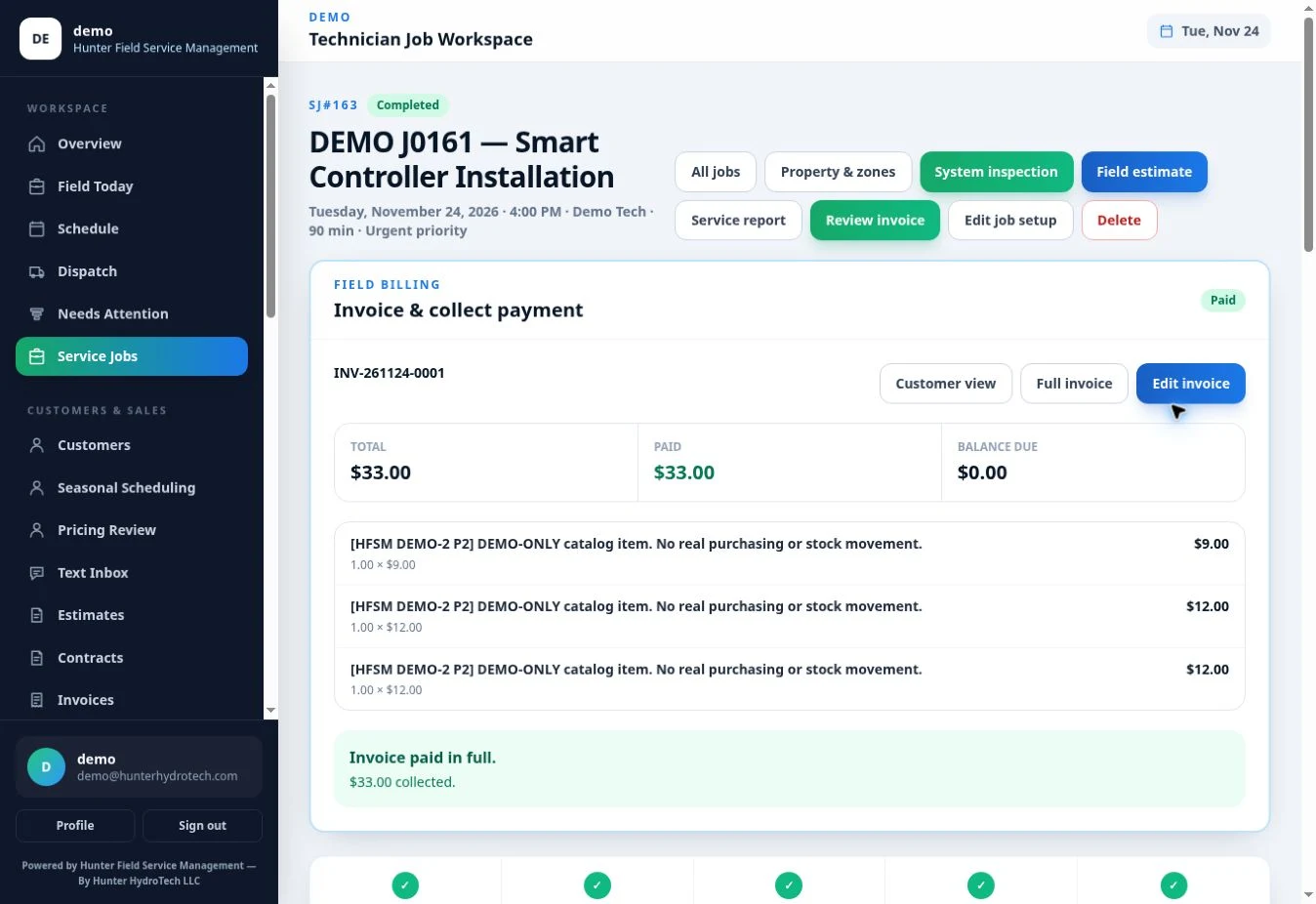
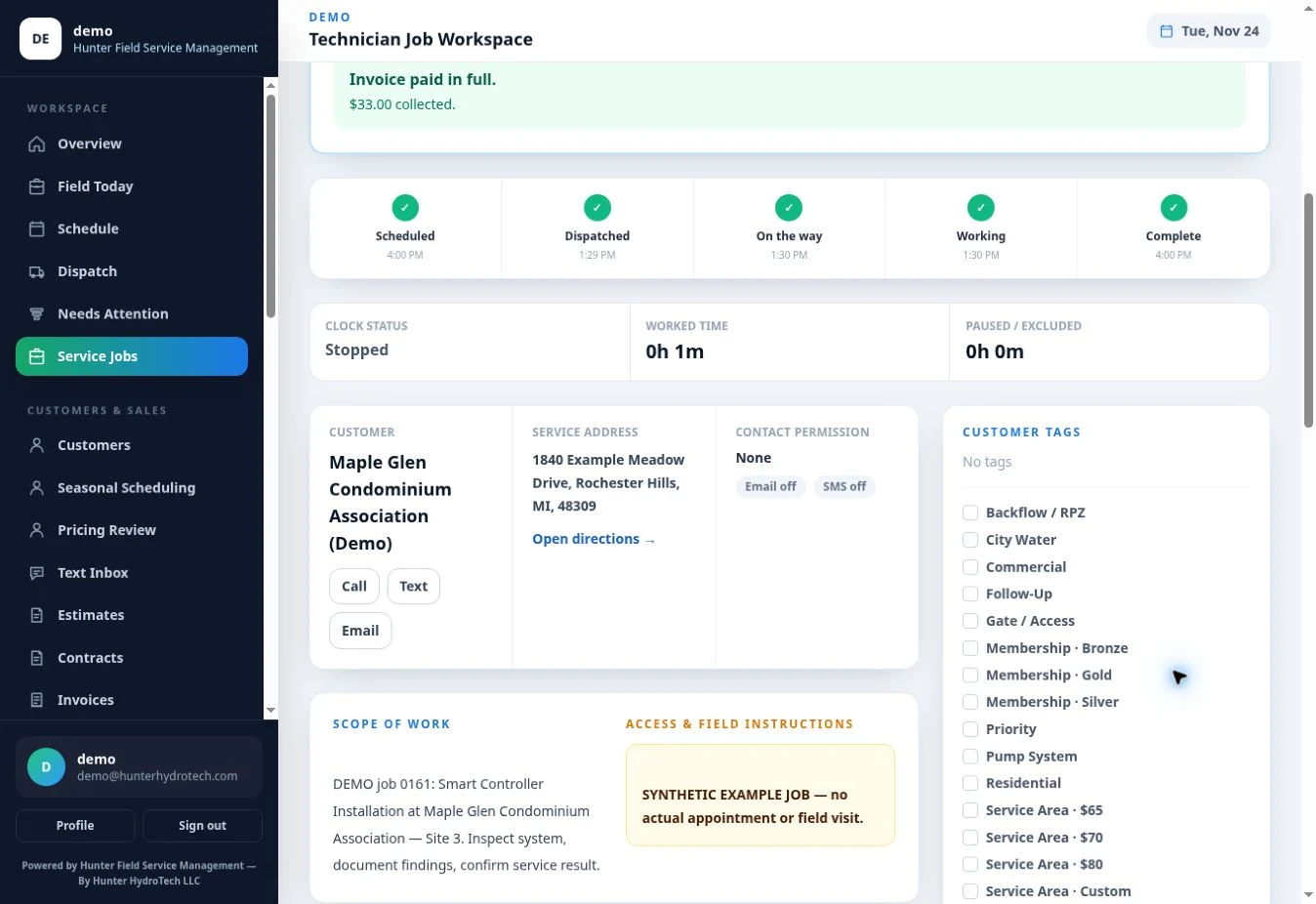
Actual HFSM product screens and recordings. Example data is used where applicable. Features depend on plan and configuration.
No. Company access and applicable plans are managed separately.
Availability can vary by device, app version, role and plan.
Manage jobs, customers, field teams and administrative workflows from one platform.
Explore the interactive demoLive chat is provided by Tawk.to. Continuing loads its service, which may use cookies and browser storage. This choice is separate from website analytics. Privacy Policy.