Field workflows & mobile · desktop
Hunter Field Service Management · Feature Solutions
HFSM Editorial Team · Published Nov 15, 2026
Find the official HFSM Android app, learn how company workspace access works, and explore the iPhone app and web demo.
View HFSM on Google Play. For iPhone, view HFSM on the Apple App Store. These listings provide current availability and device requirements. The earlier direct APK announcement is historical; use the official store for current releases.
Open the application and use your company workspace and assigned account. Your administrator controls your access. Depending on your role, plan, device and version, you can view assigned service work, access property information, document inspections and use available job workflows. Location and camera permissions should only be enabled when needed for the relevant functions.
Before rolling the app out to an entire crew, test one representative job: open its property record, take a permitted job photo, record the work, and confirm that the office can see the updates. If you are evaluating HFSM without an account, use the public interactive demo first. The store download is not itself a subscription or a new company registration.
Explore the interactive HFSM demo or review plans and pricing.
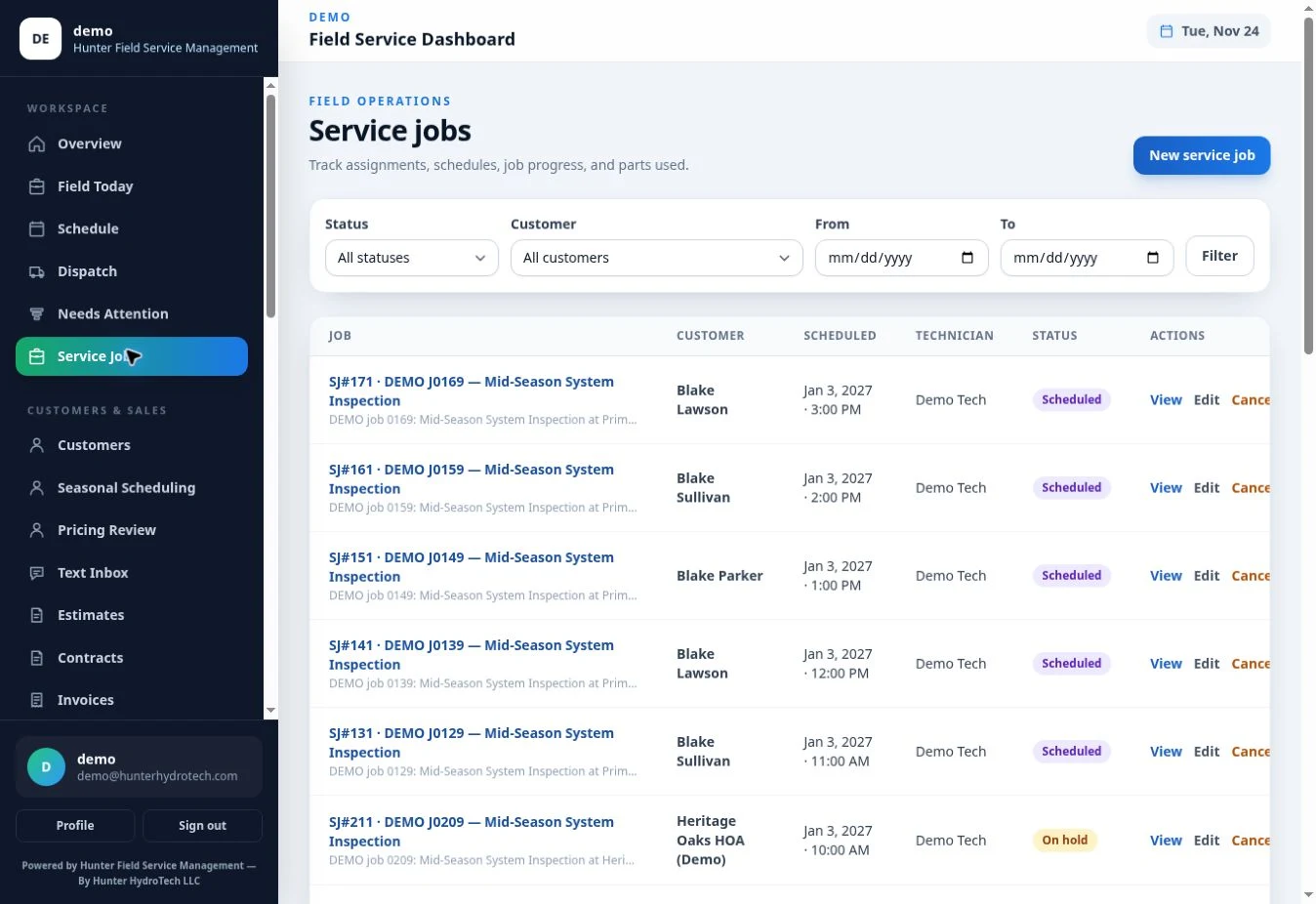
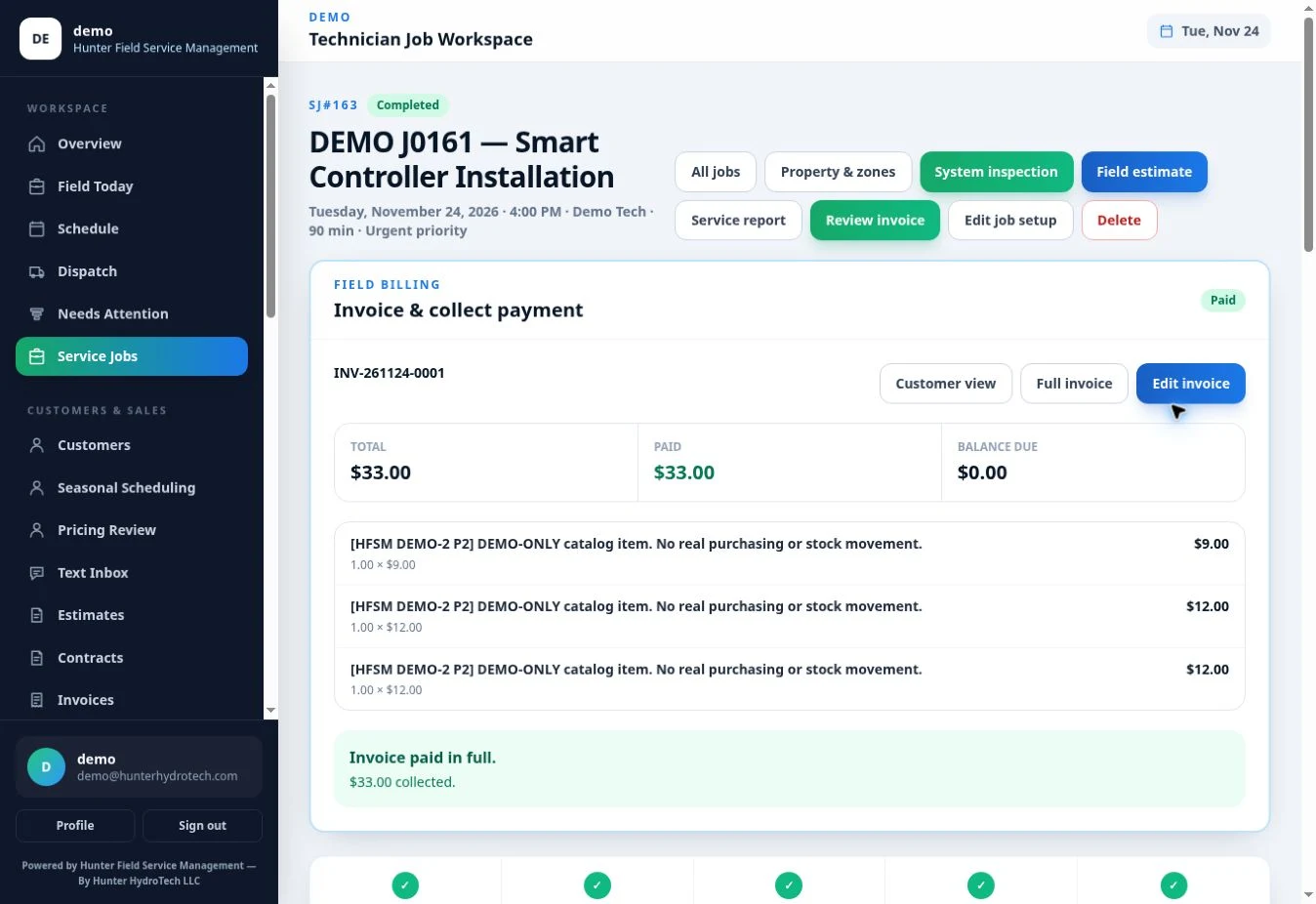
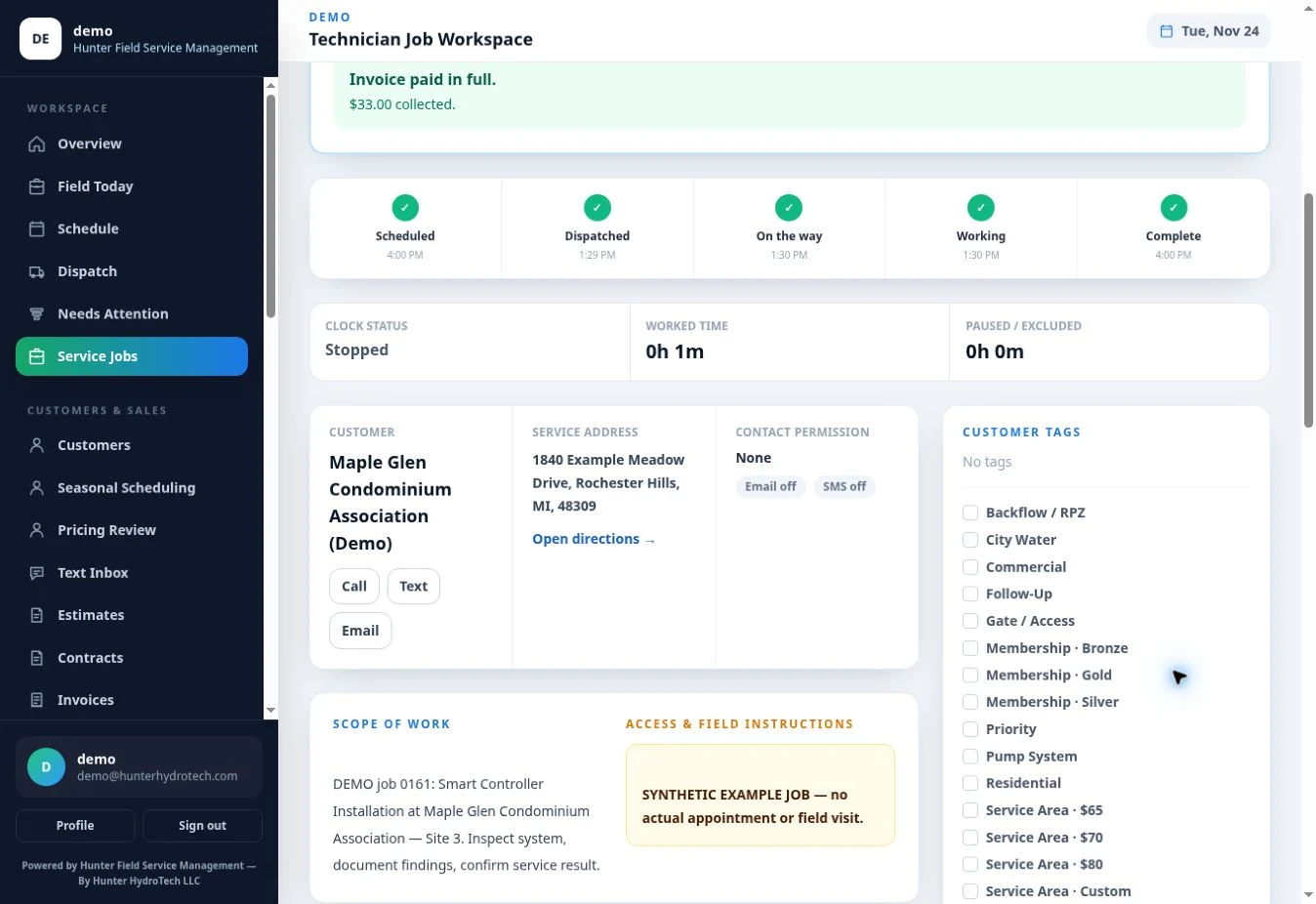
Actual HFSM product screens and recordings. Example data is used where applicable. Features depend on plan and configuration.
Yes, normal app use requires an HFSM company workspace and authorized account.
Use the official Google Play or Apple App Store listing for your device.
Manage jobs, customers, field teams and administrative workflows from one platform.
Explore the interactive demoLive chat is provided by Tawk.to. Continuing loads its service, which may use cookies and browser storage. This choice is separate from website analytics. Privacy Policy.