
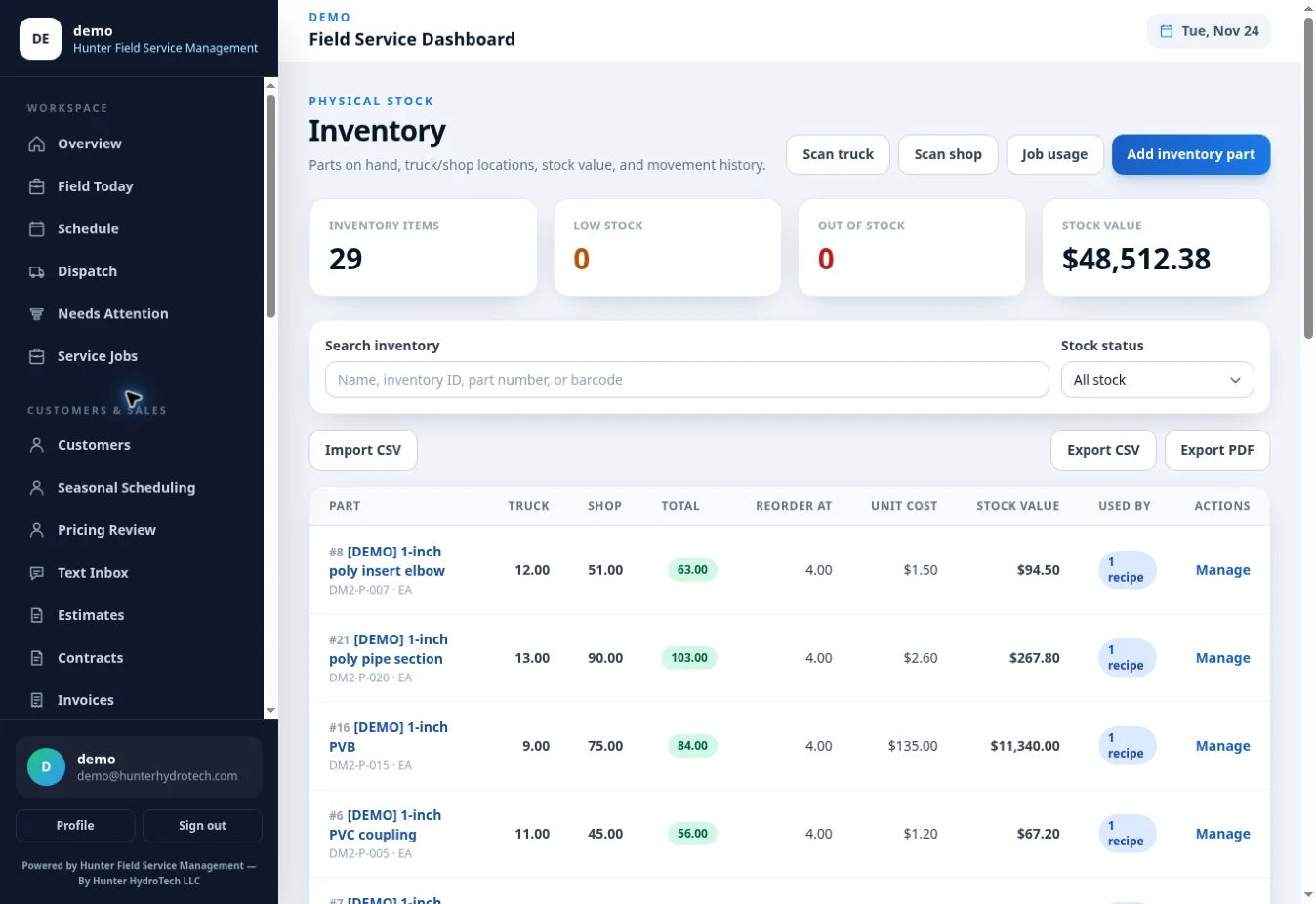
Inventory & price book · desktop
Hunter Field Service Management · General Solutions
HFSM Editorial Team · Published Nov 24, 2026
Build an inventory routine around useful item records, transfers and physical stock checks.
Create a consistent catalog with part descriptions, units and identifiers. Separate stock locations and decide which items need individual tracking. Count the opening stock before trusting any recorded quantities.
Define how parts are issued to vehicles, consumed on jobs and returned. Have technicians record exceptions when a part is damaged, lost or substituted. Avoid recording the same transfer twice.
Use weekly spot checks for high-use items and investigate discrepancies. Adjust replenishment thresholds using actual consumption. Reconcile financial inventory values with your accountant or accounting system as appropriate.
Explore the interactive HFSM demo or review plans and pricing.
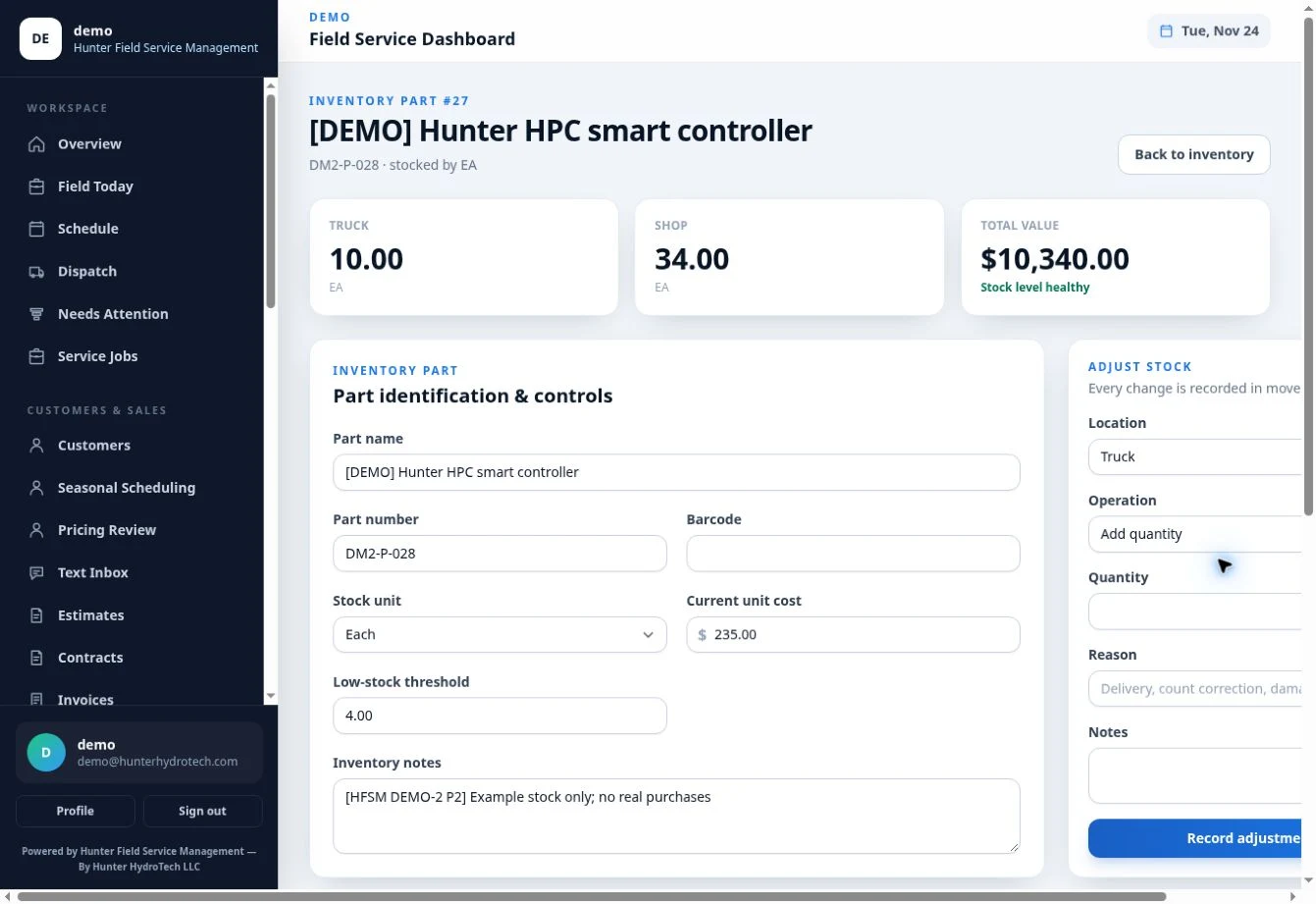
Actual HFSM product screens and recordings. Example data is used where applicable. Features depend on plan and configuration.
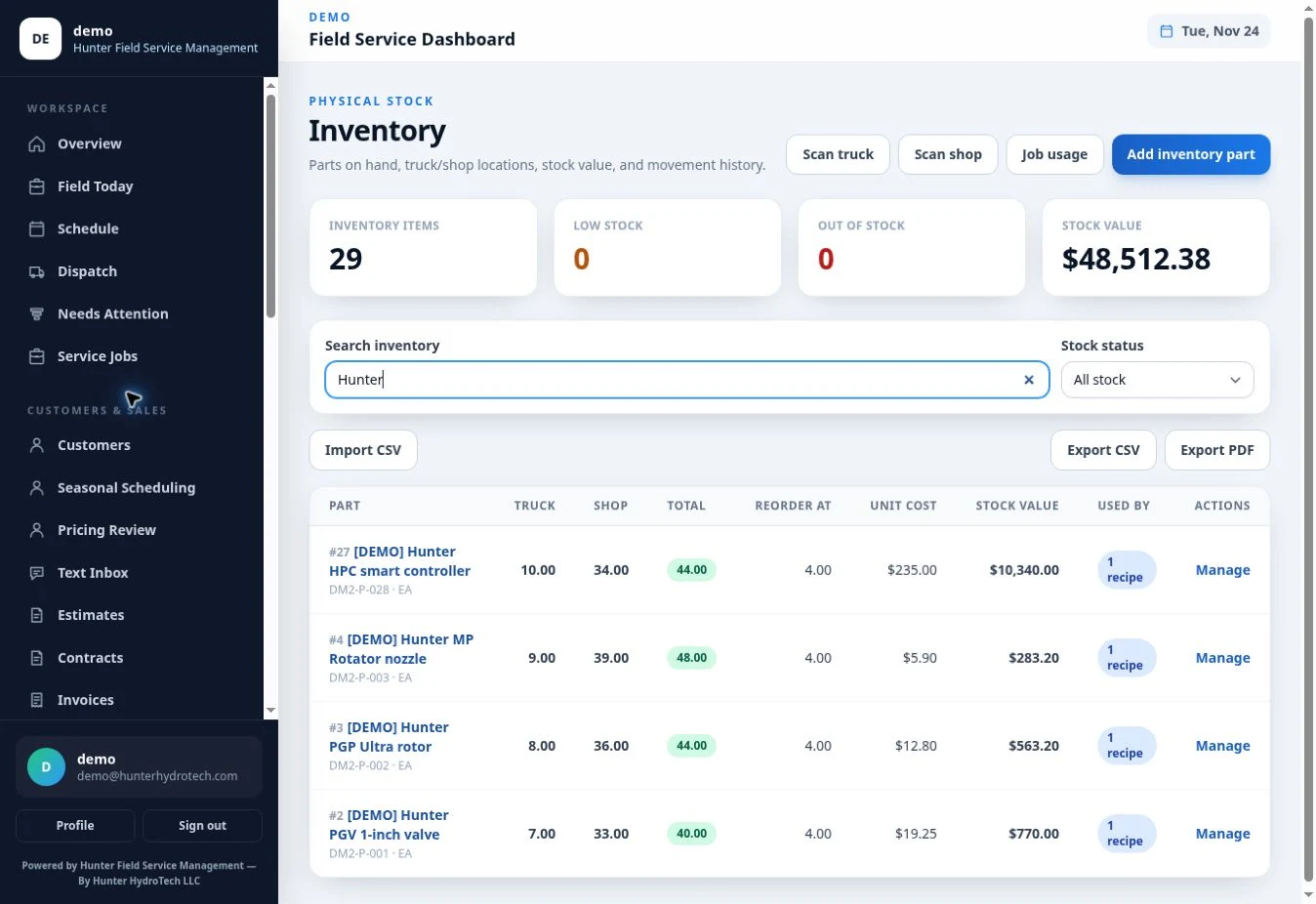
Explore the related workflow in the public demo and confirm that it meets your company’s requirements.
Manage jobs, customers, field teams and administrative workflows from one platform.
Explore the interactive demoLive chat is provided by Tawk.to. Continuing loads its service, which may use cookies and browser storage. This choice is separate from website analytics. Privacy Policy.