
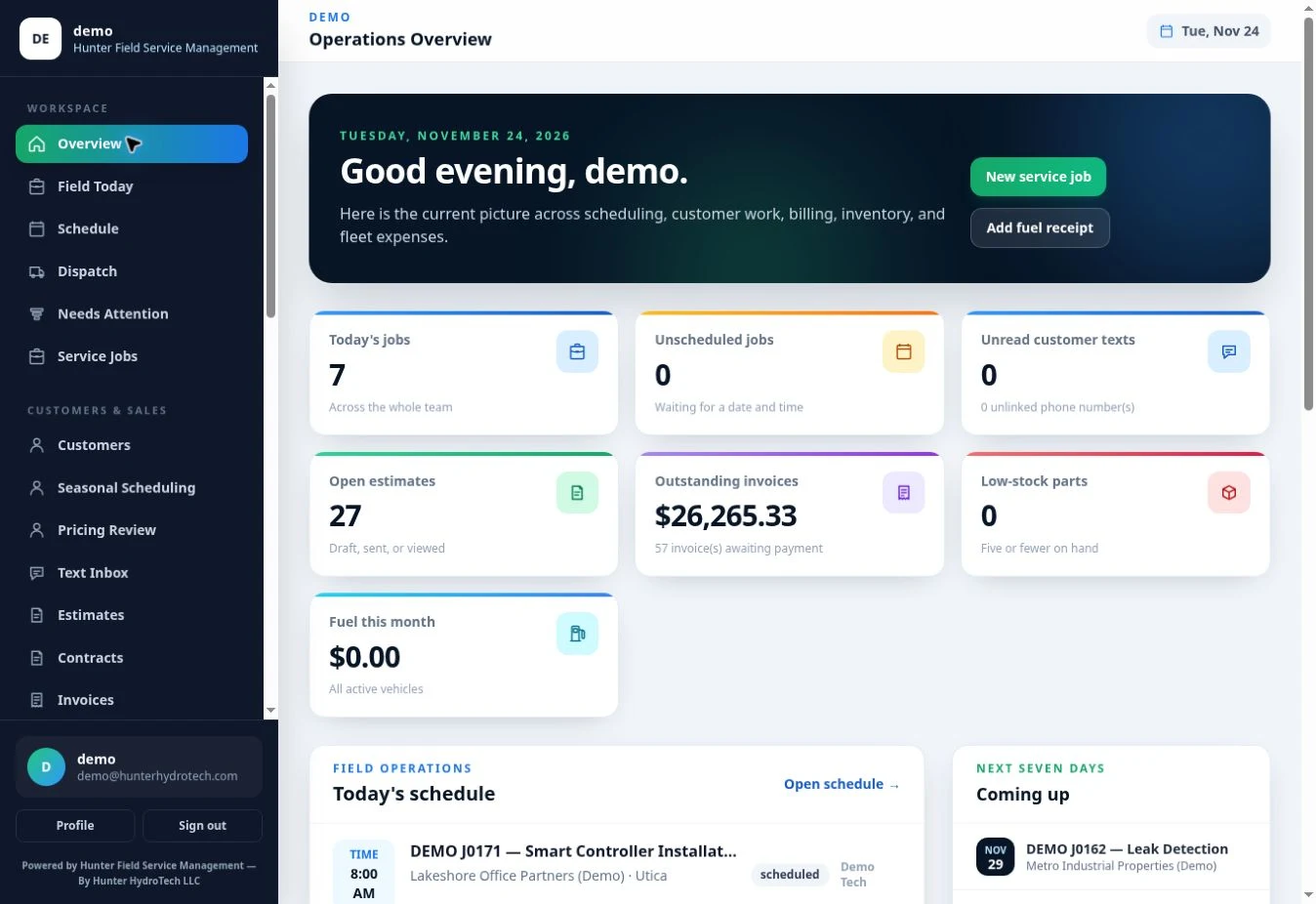
Business overview & platform tours · desktop
Hunter Field Service Management · Industry Solutions
HFSM Editorial Team · Published Nov 24, 2026
Organize customers, jobs, estimates, invoices and service records as a solo contractor or growing field service team.
A one-person service business does not need to copy the processes of a fifty-truck operation. It needs a reliable way to capture a customer request, schedule the work, document what happened, send an invoice and follow up on payment. As the team grows, the same records should become useful to the dispatcher and the technician instead of living in the owner's phone.
HFSM brings these activities into a shared workspace. Begin with customers, properties, products and services, and a simple job workflow. Add inventory, inspections, employee access and communication automation as the business needs them. Check plan details before assuming a particular module is included.
Import or enter a small set of customers, define your commonly sold services, create one estimate, schedule a job and complete an invoice. Compare the resulting records against your existing process. Invite a technician only after confirming the permissions and field workflow. A small pilot is easier to correct than migrating every record at once.
When comparing software, calculate the cost for the actual number of office and field users, including setup, messaging and payment fees where applicable. Consider how you will export or retain records if your needs change.
Field service management guide · Contractor invoicing
Explore the interactive HFSM demo or review plans and pricing.
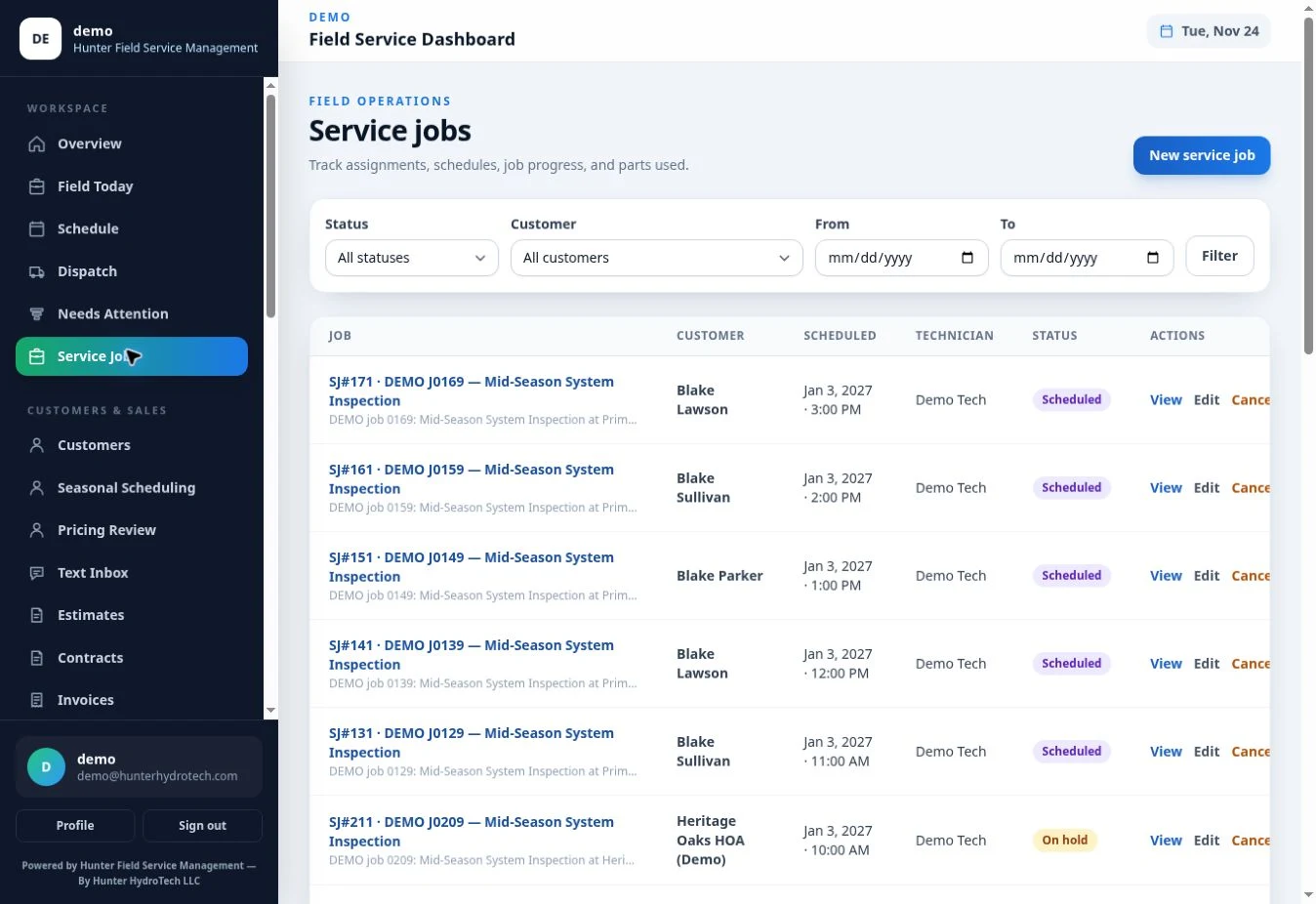
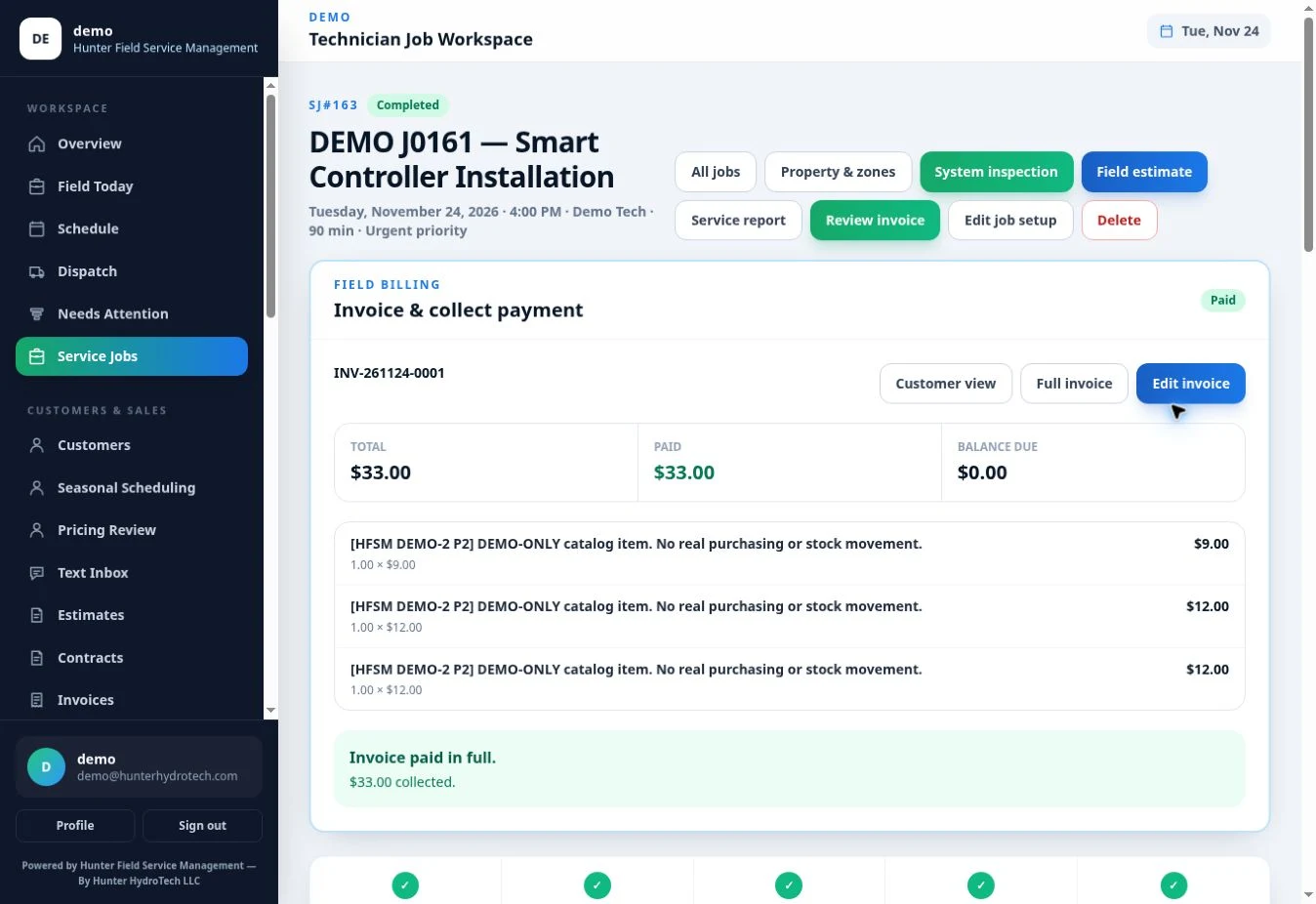
Actual HFSM product screens and recordings. Example data is used where applicable. Features depend on plan and configuration.
No. Evaluate the available plans and workflows for your team size.
The public interactive demo is available for evaluation.
Manage jobs, customers, field teams and administrative workflows from one platform.
Explore the interactive demoLive chat is provided by Tawk.to. Continuing loads its service, which may use cookies and browser storage. This choice is separate from website analytics. Privacy Policy.