
Hunter Field Service Management · Feature Solutions
Seasonal Service Scheduling Software
HFSM Editorial Team · Published Nov 24, 2026
Recurring spring and fall services create concentrated demand and many repeat appointments.
Why this workflow matters
Recurring spring and fall services create concentrated demand and many repeat appointments.
How to use HFSM
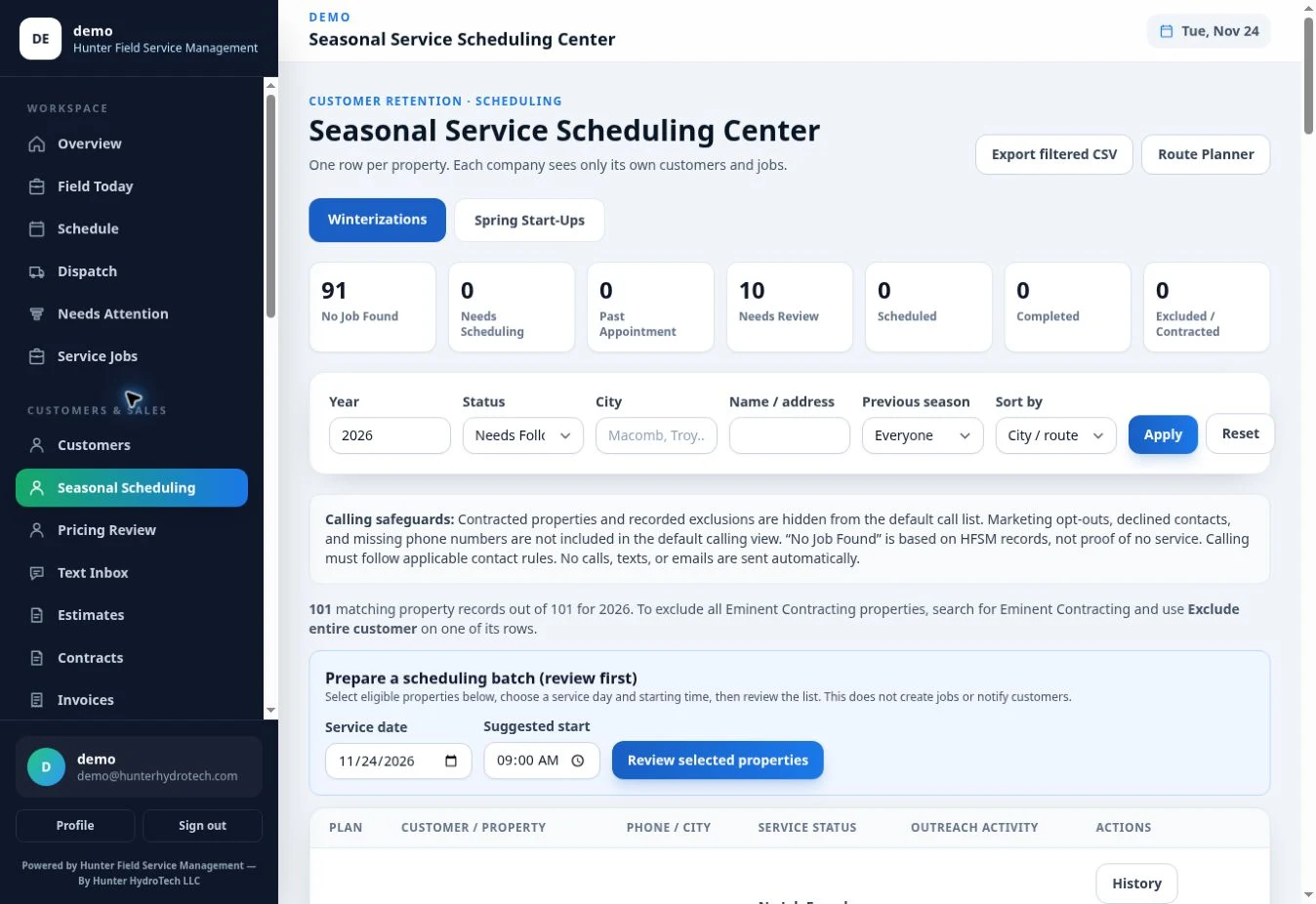
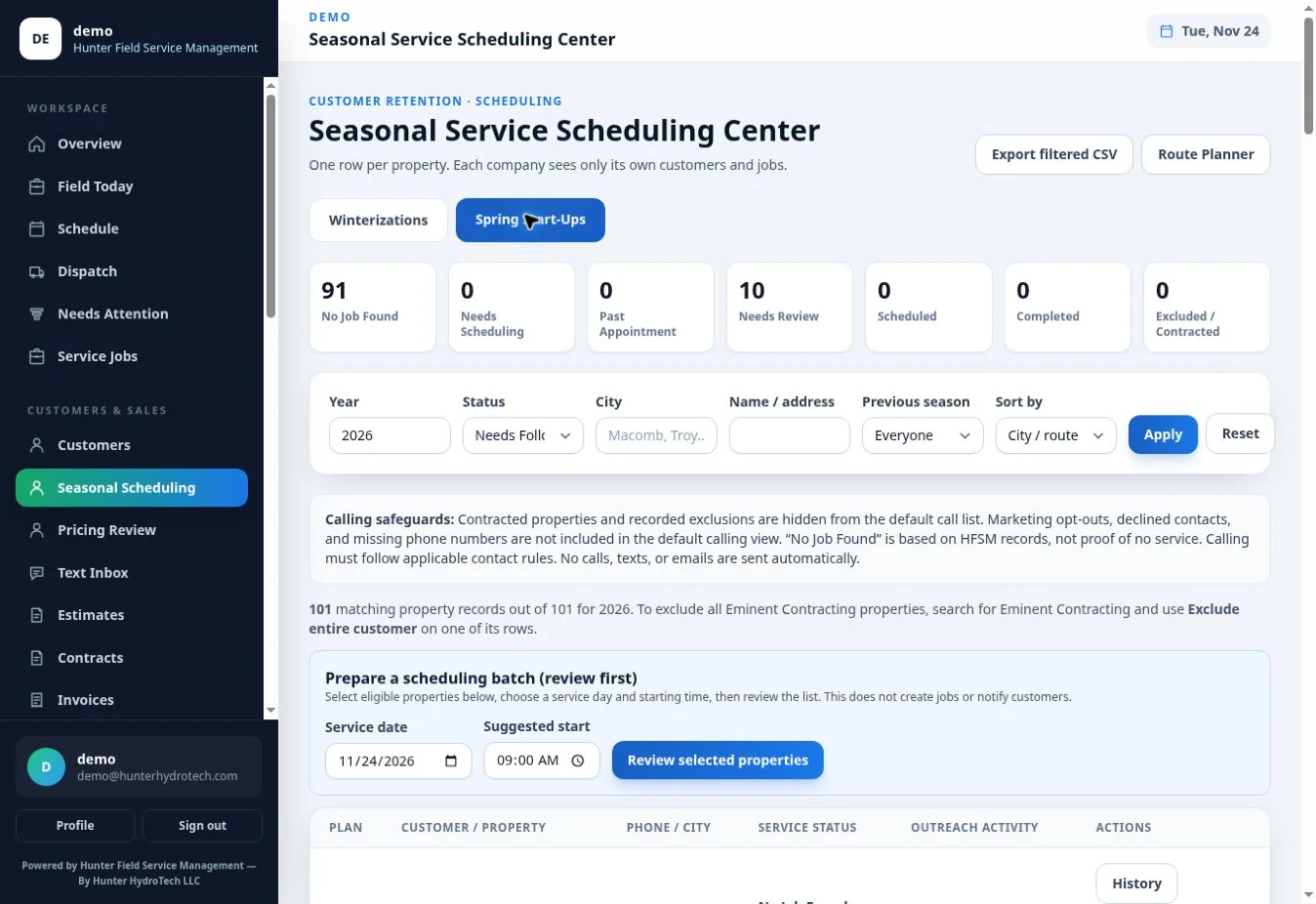
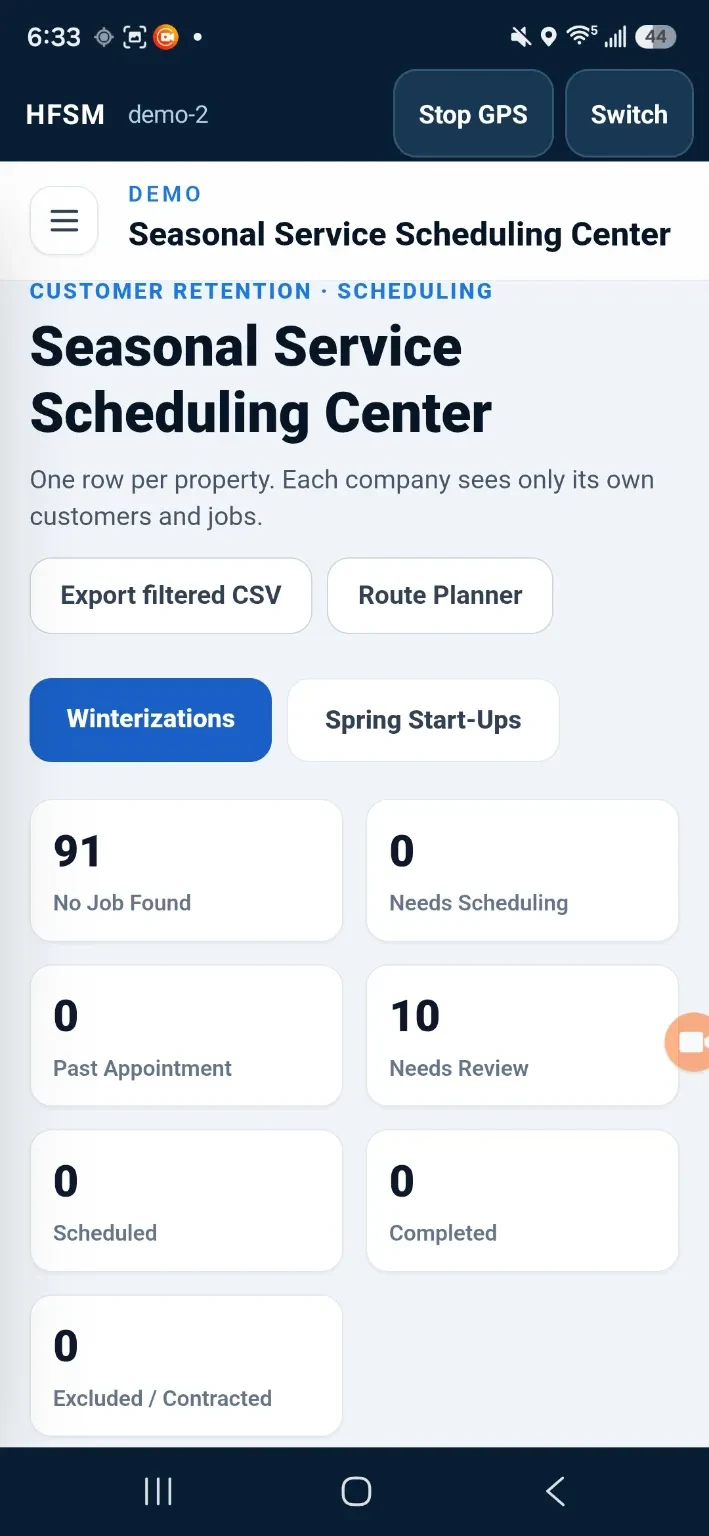
Use the seasonal scheduling center to review eligible properties, organize upcoming services and coordinate appointment windows with the calendar and dispatch workflow.
Evaluate it with your own workflow
In a trial workspace, choose a representative customer or property and walk through the process described above. Have the office and field team review the same record, then check whether the information is still useful on a later visit. Use sample data in demonstrations rather than exposing customer records.
What to keep in mind
Confirm service eligibility, technician capacity and any customer constraints before committing a schedule.
Available features depend on the plan, permissions and company configuration. Explore the product showcase for actual screens or try the interactive demo.
Related resources
See HFSM in action
Frequently asked questions
How does HFSM support seasonal service scheduling?
Use the seasonal scheduling center to review eligible properties, organize upcoming services and coordinate appointment windows with the calendar and dispatch workflow.
What should I verify before using this workflow?
Confirm service eligibility, technician capacity and any customer constraints before committing a schedule.
Bring your field service operation together with HFSM
Manage jobs, customers, field teams and administrative workflows from one platform.
Explore the HFSM demo